GA4 Consent Mode v2: Decoding the gcd Parameter (A Network Request Deep Dive)
Part 3 of 4 in the series Wiring consent correctly
GA4 Consent Mode v2: Decoding the gcd Parameter (A Network Request Deep Dive)
In modern digital analytics architectures, verifying privacy compliance requires more than inspecting whether a cookie consent banner is displayed. While the standard gcs parameter in Google Analytics 4 (GA4) network requests provides a basic overview of consent (such as g110 or g111), it lacks granular visibility into the underlying state machine. The true complexity of Google Consent Mode v2 is encoded within the cryptic gcd parameter (e.g., 11r1r1r1r5).
This technical deep dive breaks down the bit-logic of the gcd string, explains methods for debugging consent signals in Server-Side Google Tag Manager (ssGTM), and demonstrates how to identify race conditions between Consent Management Platforms (such as Usercentrics) and the initial pageview.
1. The Anatomy of the gcd Parameter
Unlike gcs, which only reports whether advertising or analytics storage is granted or denied, the gcd parameter reveals the complete lifecycle of each consent signal. It indicates whether a parameter was set by a default command, updated by a user action, or left unconfigured.
A typical gcd parameter string follows a structured pattern: 11<ad_storage>1<analytics_storage>1<ad_user_data>1<ad_personalization>5
| Letter Code | Consent State | Origin / Meaning |
|---|---|---|
p | Denied (Default) | No default command was explicitly set; default denied applies. |
q / r | Denied (Default) | Default state explicitly configured as denied via Consent Mode. |
t | Granted (Default) | Default state explicitly configured as granted. |
u | Denied (Update) | Updated to denied after a user interaction with the CMP. |
v | Granted (Update) | Updated to granted after being default-denied. |
l / m / n | Granted / Denied | Variations indicating specific CMP template or Tag Gateway configurations. |
For example, the value gcd=11r1r1r1r5 translates to a strict default state where all four consent parameters (ad_storage, analytics_storage, ad_user_data, ad_personalization) are explicitly denied by default (r). Conversely, gcd=11v1v1v1v5 confirms that an update event has successfully fired, switching all states to granted (v).
2. Identifying CMP Race Conditions
A common architectural failure in web analytics is a race condition between the CMP (e.g., Usercentrics) and the firing of the first GA4 configuration tag. If a returning user with stored consent visits a page, but the network request contains r codes instead of v codes, the tracking tag executed before the CMP could push the consent update to the DataLayer.
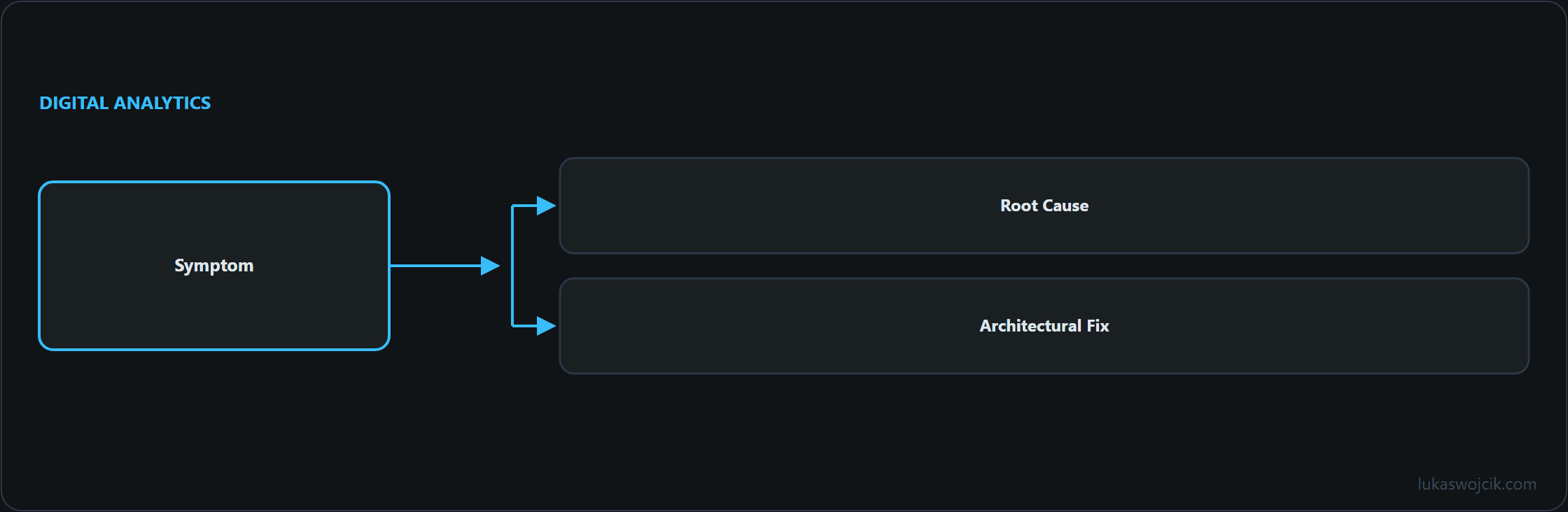
- Symptom: First pageview request carries
gcd=11r1r1r1r5(Default Denied), while subsequent events carrygcd=11v1v1v1v5. - Root Cause: The GA4 tag triggers on standard All Pages (Page View) or Consent Initialization without waiting for asynchronous CMP state resolution.
- Architectural Fix: Configure standard tracking tags to fire strictly on custom CMP events (such as
consent_status) or utilize thewait_for_updateparameter with a 500ms threshold in the default consent snippet.
3. Server-Side GTM Debugging & Validation
In Server-Side Google Tag Manager (ssGTM), incoming GA4 HTTP requests serve as the carrier for all downstream tags, including Meta Conversions API (CAPI) and Google Ads Conversion Tracking. Inspecting the gcd parameter within the ssGTM Preview Mode is critical to prevent non-compliant data forwarding.
// Example: Custom Variable logic in ssGTM to check ad_user_data update state
const gcd = getRequestQueryParameter("gcd");
if (gcd && gcd.charAt(7) === "v") {
  return true; // ad_user_data is granted via update
}
return false;
By enforcing server-side trigger rules based on the decoded gcd state, data pipelines remain fully compliant with GDPR and the Digital Markets Act (DMA), ensuring zero marketing payloads are dispatched when consent remains in a default denied state.
Wiring consent correctly
- Google Consent Mode v2: Implementation via GTM and Vanilla JS
- Basic vs. Advanced Consent Mode: The Architecture of Pings
- GA4 Consent Mode v2: Decoding the gcd Parameter (A Network Request Deep Dive)
- Privacy Architecture: How to Pass Consent State from Client GTM to Server-Side GTM (Usercentrics, Meta Pixel & CAPI)
Related articles