English
 Deutsch
 Polski
From Download to First Response: How Difficult Is Local LLM Setup?

Contents
Setting up a local LLM is often simpler today than operating a complete AI server. A desktop application can combine model selection and startup. The real effort appears in drivers, downloads, GPU detection and whether the intended configuration operates correctly over time.
This comparison explains installation paths and verification steps. Fixed timings for untested devices would not be defensible. Download and setup time therefore receive separate treatment.
An appropriate operating-system entry point
| System | Compact starting path | Extra work |
|---|---|---|
| Windows | LM Studio or Ollama with suitable backend | GPU driver; vLLM through routes such as WSL |
| macOS / Apple Silicon | Desktop app or Apple runtime | Compatible artifact and memory headroom |
| Linux | Ollama or existing llama.cpp binary | Packages, device access and service startup |
| Linux serving | vLLM with supported GPU | Model and kernel compatibility |
Four requirements before downloading
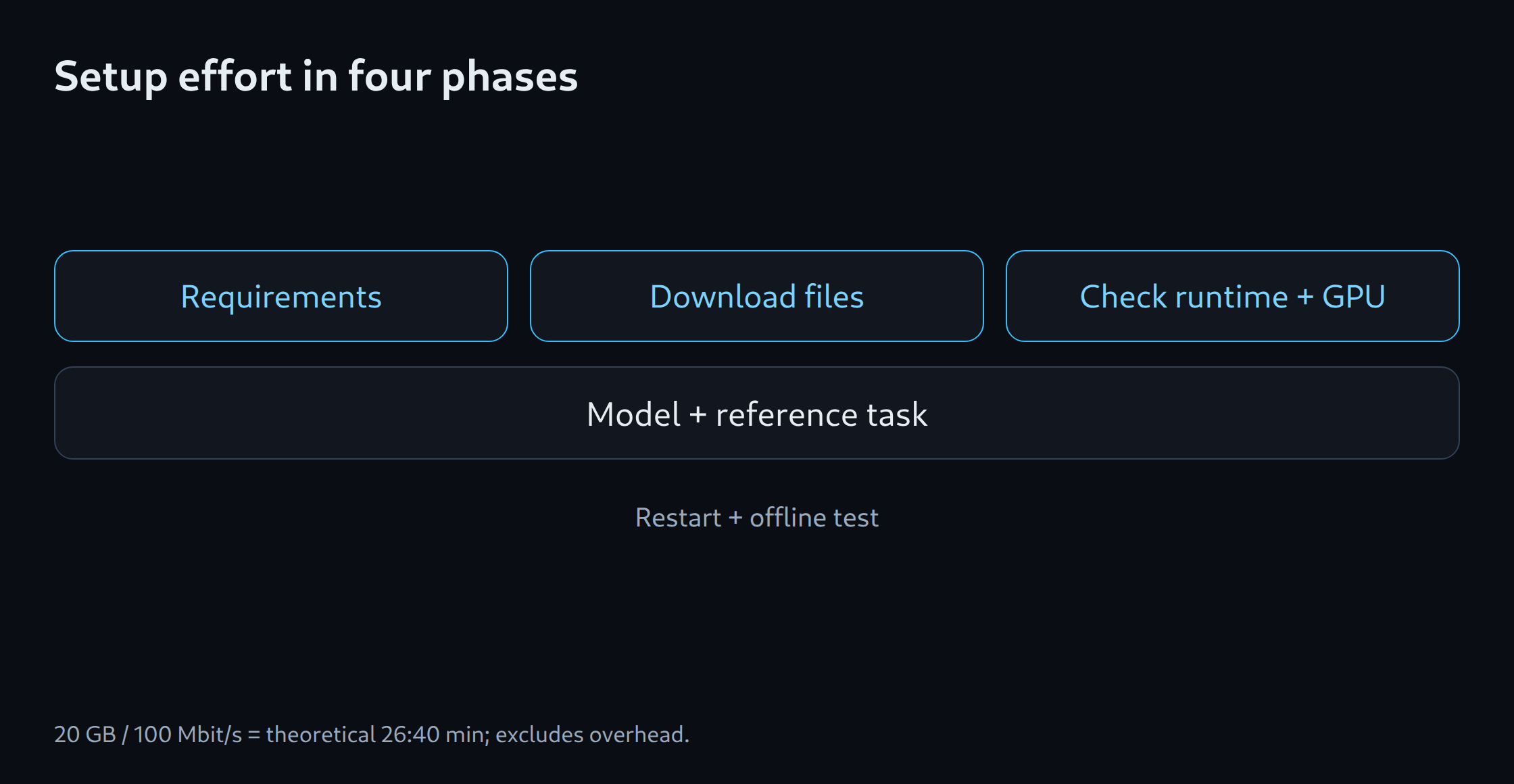
Initial checks cover operating system, GPU model, free memory and intended model. The documented backend path follows. Sufficient disk space is also necessary: multiple quantisations and intermediate files can consume substantially more storage than one model file.
Start with a small supported model and a short test task to use as a reference. Large context windows and multiple users come later. This lets you check the basic installation separately from capacity limits, rather than assuming every failed launch of a large model is a driver problem.
Download time is not a setup benchmark
An assumed 20 GB artifact at a constant 100 Mbit/s needs a theoretical 1,600 seconds, or 26 minutes 40 seconds. At 1 Gbit/s the theoretical time is 160 seconds. The calculation uses decimal GB and excludes overhead, fluctuations and server limits.
This waiting period does not indicate setup complexity. A comparison therefore records download, package installation, first model launch and troubleshooting separately. A fast connection can hide complicated setup, while a slow link can make a straightforward path appear lengthy.
Establish GPU execution
An answer does not prove GPU operation. Runtime logs and utilisation need to match the selected backend. Ollama’s model and process listings show current state; a short reference task supplements technical checks.
ollama list
ollama ps
Results can differ even after a successful launch: the software may silently fall back to the CPU, use an incorrect chat template or encounter an unsupported quantisation. If memory errors appear after a longer input, check the context and available memory headroom. Reinstallation alone does not replace that check.
Separate initial setup from continuous operation
Completion includes working model switching, restart and a tested session without network access. Offline operation requires all files in advance and no external tool calls. Cloud features in an interface remain separate.
An API service should initially be reachable only locally. Public operation adds access protection, load limits and maintenance; existing gateway articles cover that next stage. A small desktop chat does not automatically require such infrastructure. The memory estimator helps before model or hardware selection, while the documented installation chain determines actual effort.
Memory planning for model selection: LLM VRAM estimator.
Related tools
Questions and answers
Does a successful model launch prove that the GPU is active?
A model can run entirely or partly on the CPU. Backend logs, GPU memory use and device utilisation provide the required evidence.
Can a local LLM operate without internet access?
Offline inference is possible with suitable software after all required files are downloaded. Model downloads, updates, external tools and cloud features may still require connections. A disconnected test verifies the specific configuration.
Sources
- Ollama: Hardware support
- vLLM: GPU installation
- llama.cpp: Projekt und Backends
- LM Studio: Dokumentation
Sources checked: 5 October 2026.
Related articles