English
 Deutsch
 Polski
Intel Arc for Local LLMs: B580, Pro B50, B60, B65 and B70 versus NVIDIA

Contents
Intel Arc deserves consideration for local LLMs when the required model configuration runs through an appropriate backend. A low cost per GB is not sufficient on its own. Driver, operating system, model architecture and runtime must support the same specific GPU.
This comparison examines official capacities and documented software paths without original speed measurements against NVIDIA. Software effort therefore deserves as much visibility as memory.
Five specific memory tiers
| Intel GPU | Official memory | Priority check |
|---|---|---|
| Arc B580 | 12 GB | Entry configuration and driver |
| Arc Pro B50 | 16 GB | Compact professional variant |
| Arc Pro B60 | 24 GB | Larger single model |
| Arc Pro B65 | 32 GB | Specific partner card and runtime |
| Arc Pro B70 | 32 GB | Compute profile at equal capacity |
Equal memory does not make B65 and B70 identical. A smaller compute configuration may suffice when memory is the primary constraint. A purchase comparison needs both equal-capacity and similar-total-cost views.
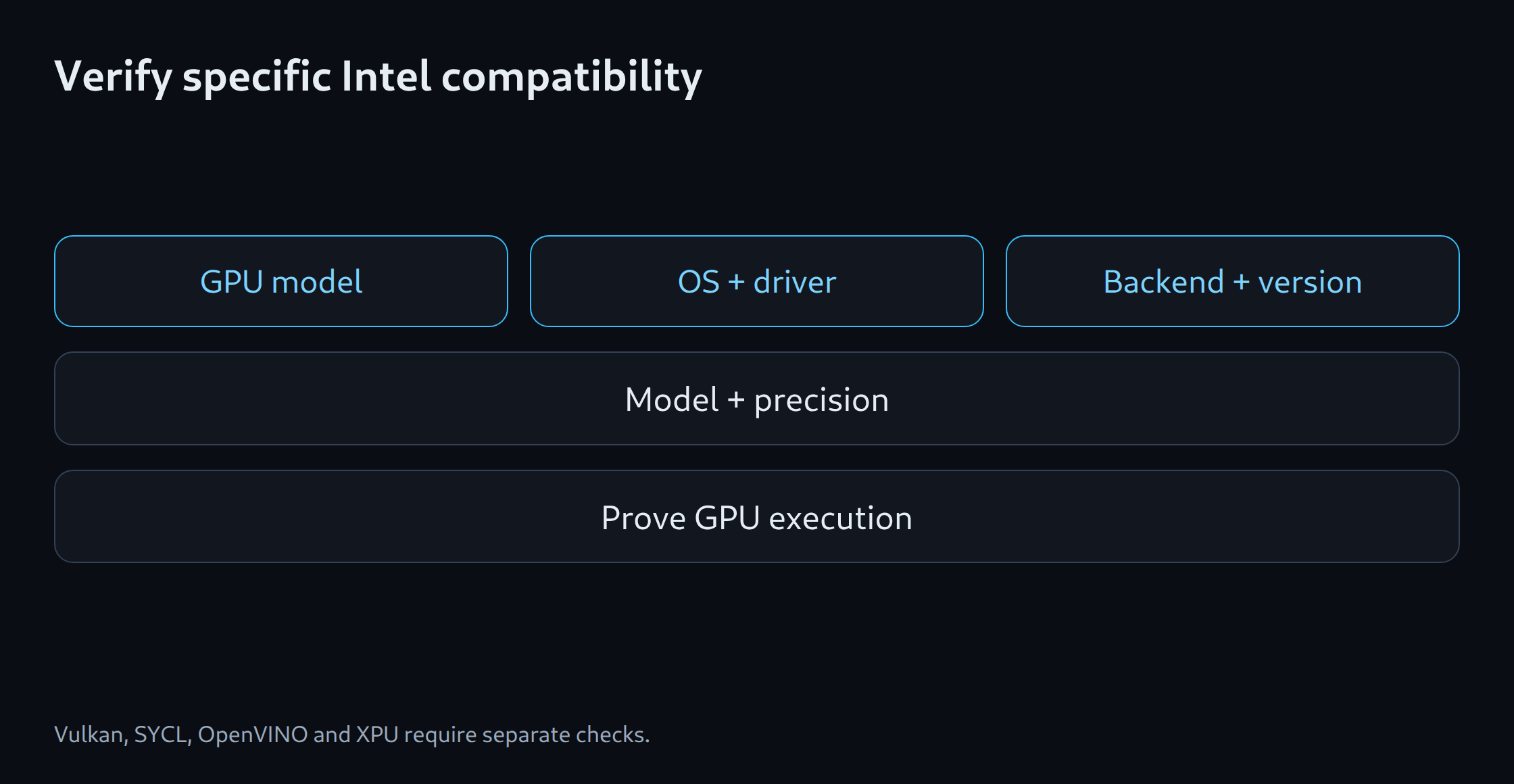
Verify four separate software paths
llama.cpp documents Vulkan and SYCL backends. Ollama describes additional Vulkan support on Windows and Linux. OpenVINO GenAI supplies a separate inference path, while vLLM has an XPU installation route. These statements do not jointly guarantee every Arc GPU and model architecture.
The verification matrix needs GPU, driver, OS, runtime version, model revision and precision. One path may require model conversion while another avoids it. Successful installation alone establishes neither GPU execution nor correct output.
Windows and Linux are different projects
A Windows desktop application can simplify the introduction. Linux adds package versions, device access and container settings. Effort depends on the chosen backend. CUDA instructions do not become Intel instructions unchanged.
Device detection, allocated GPU memory and runtime logs help establish execution. Silent CPU fallback can make startup appear successful. A short reference task with a verifiable answer also helps identify format or model problems.
A fair NVIDIA comparison
A 24 GB Arc Pro B60 can be compared with a 24 GB NVIDIA GPU for capacity. Price assessment requires current offers and total system costs. Different models or answer lengths do not establish a valid speed comparison.
The same task set, model revision and recorded context are essential. If backends require different quantisations, that difference remains explicit. Evaluation covers first response, generation, errors and setup effort rather than overstating a single tokens-per-second figure.
When Intel fits the shortlist
Intel is attractive when a demonstrated configuration handles the required model and a meaningful price advantage remains. Extra compilation or conversion can consume that advantage in a small project. Troubleshooting time belongs in the cost calculation.
The memory estimator assists with capacity. Software selection then needs a demonstrated Intel path. A general compatibility label does not replace that result. Without test evidence, a combination remains a candidate even when the GPU has enough VRAM.
Memory planning for model selection: LLM VRAM estimator.
Related tools
Questions and answers
Do CUDA applications run unchanged on Intel Arc?
CUDA is not a native Intel Arc backend. A supported path such as Vulkan, SYCL, OpenVINO or XPU is required by the specific software.
Is a generic Intel GPU support claim enough for a purchase decision?
A general support statement does not cover every GPU, model architecture or quantisation. The actual GPU, driver, operating system and runtime version matter. A documented test configuration provides stronger evidence than a generic compatibility label.
Sources
- Intel: Arc B580 12 GB / B570 10 GB
- Intel: Arc Pro B50 16 GB
- Intel: Arc Pro B60 und B50
- Intel: Einführung Arc Pro B65 / B70
- Intel: Arc Pro B70 – Datenblatt, 32 GB
- Ollama: Hardware support
- llama.cpp: Projekt und Backends
- vLLM: GPU installation
- OpenVINO: Generative AI workflow
- Intel: Arc Pro B65 32 GB – Datenblatt
- Intel: Arc Pro B60 24 GB
Sources checked: 5 October 2026.
Related articles