English
 Deutsch
 Polski
NVIDIA for Local LLMs: RTX 3060, 3090, 5060 Ti, 5090 and Professional GPUs Compared

Contents
For a local LLM, the first NVIDIA GPU question is whether the intended model fits fully into available memory. A faster GPU with insufficient VRAM can be a worse practical choice than an older card with greater capacity. Gaming FPS and AI TOPS do not answer that question.
The comparison lists selected official memory variants. It evaluates specifications and operational requirements without original speed measurements. Card price, total system cost and running expenses remain separate quantities.
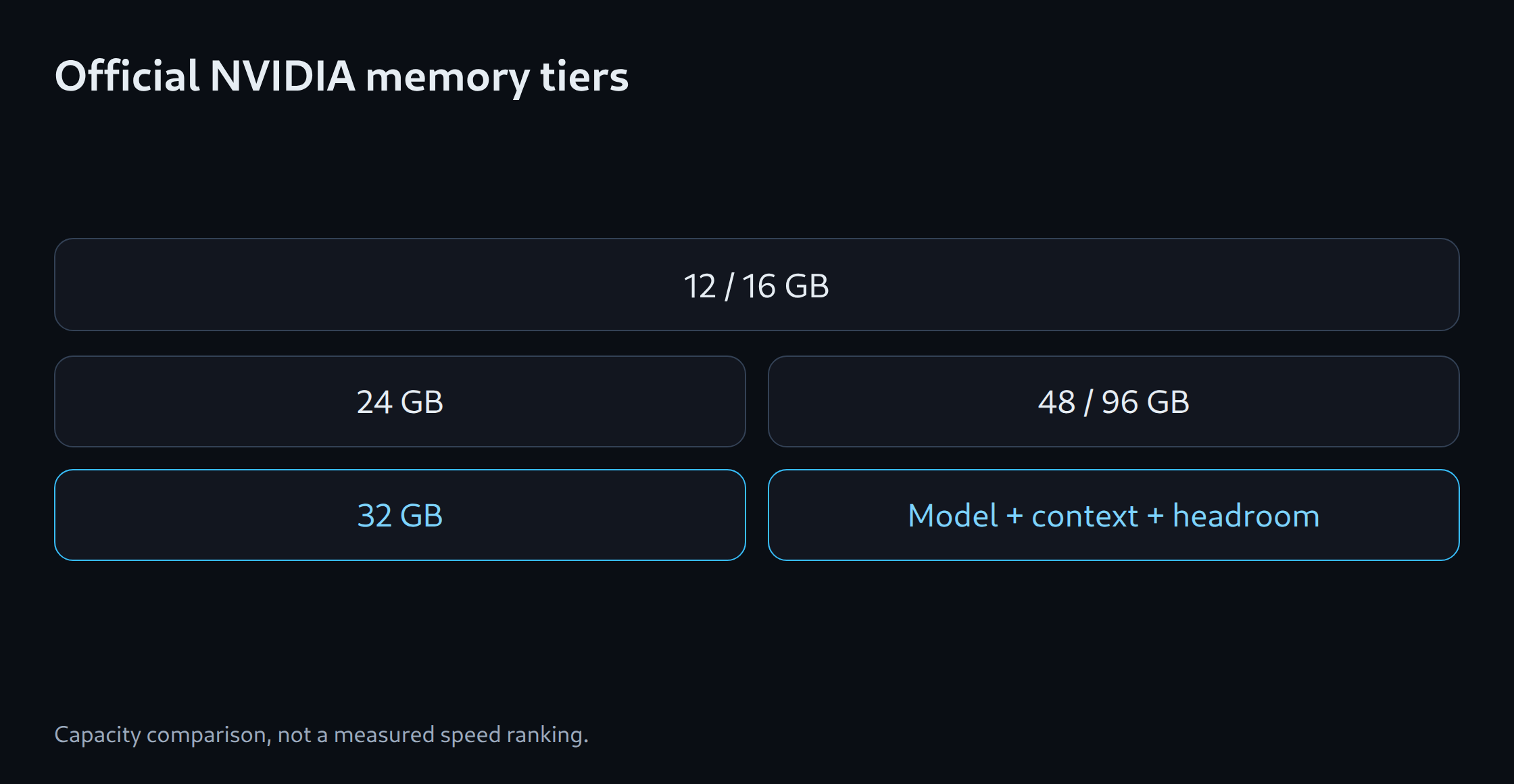
Official memory tiers
| GPU | Selected memory | Role |
|---|---|---|
| RTX 3060 | 12 GB | Entry option; distinct from 8 GB version |
| RTX 5060 Ti | 16 GB | Newer middle memory tier |
| RTX 3090 | 24 GB | Older high-capacity GeForce; used candidate |
| RTX 4090 | 24 GB | Different compute architecture, same capacity tier |
| RTX 5090 | 32 GB | Higher official GeForce capacity |
| RTX 6000 Ada | 48 GB | Professional single GPU |
| RTX PRO 6000 Blackwell | 96 GB | Professional high-capacity GPU |
Capacity before speed claims
Moving from 12 to 24 GB can enable another model class. Moving from RTX 3090 to RTX 4090 does not increase official memory. A model needing more than 24 GB with context and buffers gains no capacity from that change.
A 32 GB card expands the budget without guaranteeing a particular context for every architecture. Even 48 or 96 GB must accommodate weights, state and headroom. A professional single GPU may therefore suit a large model better than several smaller cards.
Architecture and runtime remain purchase criteria
CUDA support is only the first layer. Precision, quantisation kernels and model architectures impose further requirements. vLLM documents a minimum NVIDIA compute capability, but individual features can have different limits. Plenty of VRAM on an old GPU does not guarantee every modern configuration.
A purchase decision therefore needs a specific runtime version, model revision and quantisation. An installed driver or successful game does not establish that inference path. Appropriate packages matter for new hardware as well as old GPUs.
Compare used and professional cards properly
A used RTX 3090 can offer attractive capacity when condition, actual price and return arrangements fit. Cooling, full memory testing and stability under load belong in the assessment. A low listing price without functional evidence is not a complete purchase case.
Professional cards also differ in form factor, memory features and intended operation. Extra expense needs a concrete reason: larger single-model capacity, suitable cooling or continuous-operation requirements. Identical execution does not produce better answers solely from a professional GPU label.
Total system and multiple GPUs
Power supply, connectors, chassis clearance and heat removal need checking before a large GPU purchase. Measured system consumption at the wall is more useful for running costs than an isolated nominal figure. Idle hours matter on a permanently powered computer.
Two 24 GB GPUs remain separate memory pools. A suitable runtime can distribute the model, but placement and interconnects affect operation. A single GPU with sufficient headroom is the simpler alternative. The memory estimator supports initial selection; verified compatibility and total cost settle the actual purchase.
Memory planning for model selection: LLM VRAM estimator.
Related tools
Questions and answers
Do two 24 GB GPUs automatically provide 48 GB for one model?
The memory pools remain separate. A suitable runtime can distribute weights or computation across GPUs. Support, placement and interconnects determine usable capacity.
Does a professional GPU inherently produce better answers?
The GPU does not inherently improve model quality. Additional memory can enable a larger model or higher precision. With the same model and execution settings, benefits mainly concern capacity, throughput, reliability and supported features.
Sources
- NVIDIA: RTX 3060-Familie
- NVIDIA: RTX 5060-Familie
- NVIDIA: RTX 3090
- NVIDIA: RTX 5090 32 GB
- NVIDIA: RTX 6000 Ada 48 GB
- NVIDIA: RTX PRO 6000 Blackwell 96 GB
- vLLM: GPU installation
- NVIDIA: RTX 4090 24 GB
Sources checked: 5 October 2026.
Related articles