English
 Deutsch
 Polski
SaaS for AI agents: web interface, API or MCP access?

Management Summary
Online software can be used through a website or directly by other programs. An API provides a connection for those programs; MCP supplies a shared standard for compatible AI applications. The article explains where each route helps: people review and approve results on screen, while programs carry out repeated work. An extra access method is worthwhile when it saves real effort. Permissions and billing still need to remain reliable whichever route is used.
Contents
SaaS is software offered as a service. A document checker might be used in a browser, added to a fixed automated workflow or called by an AI agent. An agent uses a language model to select functions for a task. All three access methods should complete the same work reliably; adding a connector does not establish customer demand.
The interface supports visual review
A web interface shows inputs, a preview and results together. A document checker can highlight errors before the checked file is approved for export. This is particularly useful for occasional tasks and decisions requiring review by a knowledgeable person.
An understandable job overview remains useful after automated access is added. A job might be waiting, running, complete or blocked by missing permissions. These states make troubleshooting possible without reading technical logs.
The API supports predetermined workflows
An API is an interface for other programs. A fixed workflow can use the API to start a check, request progress and download the result. Documentation defines allowed inputs, request time limits and error responses. Version information helps developers plan for interface changes.
A job identifier alone does not prevent duplicate execution. The server must store a retry key and associate later requests using that key with the same job, including concurrent requests. The client must reuse the key; changed inputs need explicit error handling. This property is called idempotency. [4] For long operations, the first response confirms acceptance and the result arrives later. An accepted check can still fail.
MCP exposes tools to compatible clients
MCP stands for Model Context Protocol. Among other things, it defines how an application discovers available tools and required inputs, then calls a tool. [1] The document checker could provide three narrowly defined tools: start a check, read progress and read the result. MCP does not guarantee a suitable tool choice or a correct result.
A tool description needs to state what a call changes. Checking a file differs from sending or deleting the file. Critical actions need appropriate approval and a server-side permission check. A label such as “read-only” cannot replace that check.
The server checks every access
An agent needs access only to the data and operations required for the task. For example, a job for company A must not read company B’s documents. The server therefore needs to verify identity, customer account and permitted action for every job. A supplied account name alone does not prove permission.
For protected HTTP connections, MCP describes an OAuth-based flow: an access token demonstrates the granted permission to the intended server. Local stdio connections exchange data through a running program’s input and output and do not use this flow. [2] MCP forbids accepting tokens that were not issued for the MCP server. Otherwise, an intermediary could misuse access rights. Approval for one connected client must not be assumed to cover a different client. [3]
Billing for jobs rather than conversation
A clearly defined job is a better billing unit than a conversation turn. An agent may request progress several times without starting another document check. One possible model reserves an amount from the budget before starting and bills for the agreed work. Rules for failed or cancelled jobs need to be explicit.
A hypothetical example assumes 1,000 document jobs and 100 additional processing attempts in total. At 0.02 currency units per attempt, variable costs are 1,100 × 0.02 = 22. These are costs of actual processing attempts, such as retries after a processing error, not automatically every repeated HTTP request. Duplicate-job protection is intended to avoid unnecessary repeated work. Pure status requests can have a separate allowance, although these requests still incur some server overhead. This is not a platform price.
A pilot without rebuilding the platform
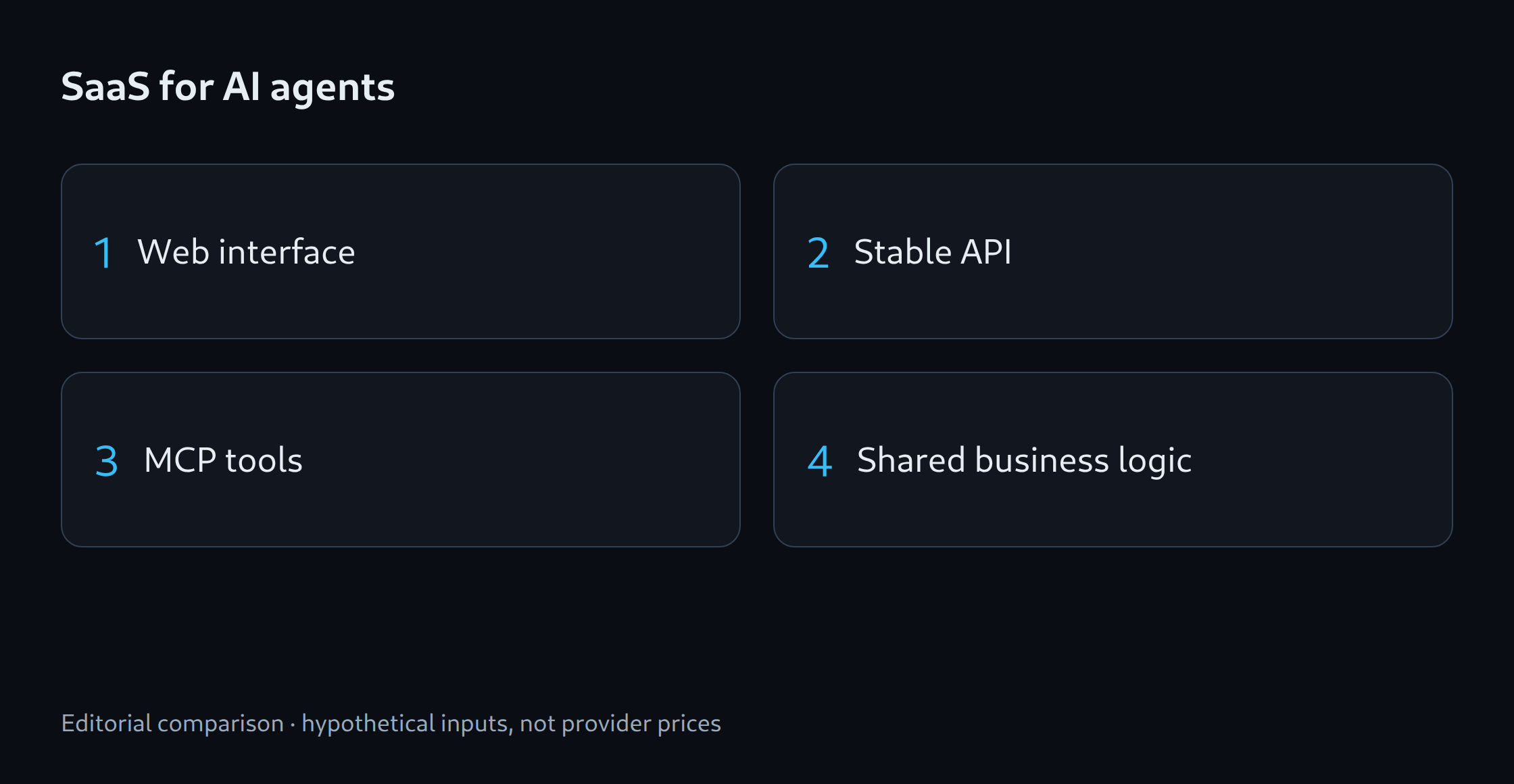
A small trial can expose three functions through the interface and API: start a check, request progress and read the result. An MCP connector then uses the same validation rules and job processing. The pilot group records completed tasks, required approvals, duplicate jobs and support time.
A short guide with a complete example makes integration easier than a long list of unclear tools. An MCP connector is most useful when actual customers use a compatible application and the additional access method demonstrably saves steps.
Related tools
Sources
- MCP: tools specification
- MCP: authorization
- MCP: security best practices
- Stripe: Idempotent requests
Sources checked: 25 October 2026.
Questions and answers
Does MCP replace a conventional API?
Not necessarily. A web interface, API and MCP can use the same validation rules and processing. MCP adds access for compatible applications, while an existing API can continue to support fixed automated workflows.
Should an agent receive administrator permissions?
A document-checking agent normally needs no permission to manage every account or delete unrelated files. Permissions should be limited to the relevant customer account and required actions. Critical changes also need appropriate approval.
Related articles