

 English
 Deutsch
 Polski
Managing GA4 access with the User Groups API

Management Summary
The User Groups API manages teams and memberships inside a Google Marketing Platform organisation. In Analytics projects with changing responsibilities, this provides a structured way to prepare access and review it when a project ends. Group membership and Analytics permissions serve different purposes. A comparison with effective permissions is still necessary to establish which access to an Analytics account or property actually remains.
Contents
A team change starts with an inventory
A project ends, an agency changes, or a new team takes over reporting. The reports remain, but responsibilities move. A clearly named group makes that transition easier to review than a scattered collection of individual invitations.
What changed in October
Google announced the User Groups Admin API on 5 October 2026. The interface supports creating, reading, updating and deleting groups, alongside membership management. Technically, these resources belong to the Google Marketing Platform Admin API. The documented resource paths currently use v1alpha, so production integrations need an explicit version dependency and review of future changes.
Membership and permissions are separate
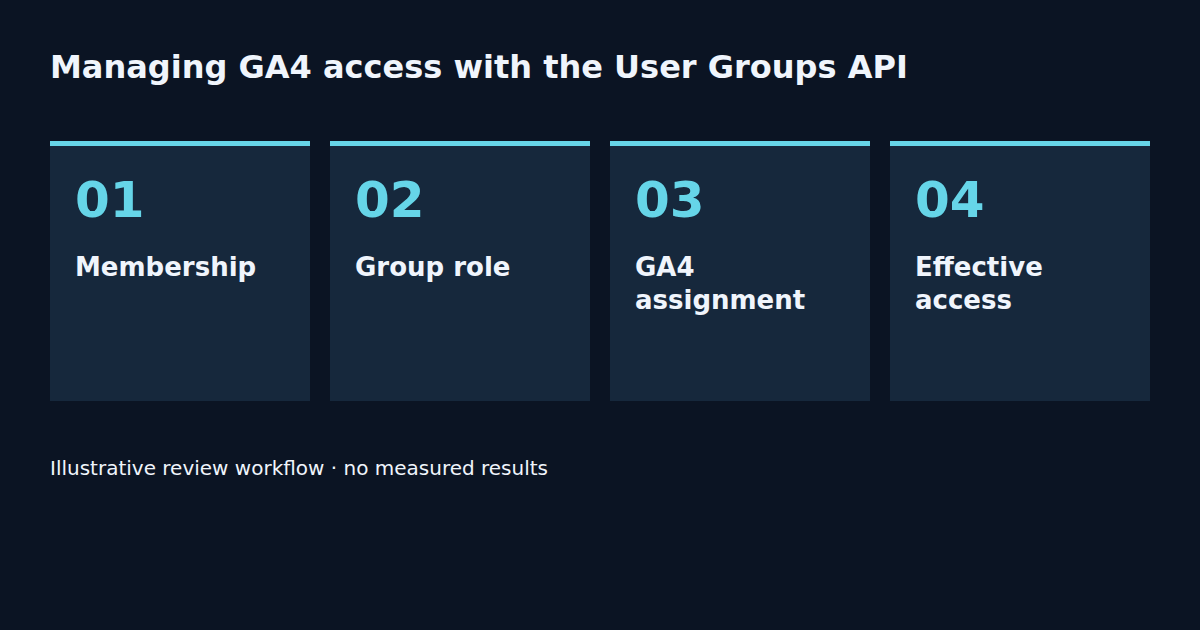
A group starts with a name, description and membership list. Member and Owner describe roles within that group. Neither label automatically establishes an Analytics role such as Viewer or Editor. Access assignments on the account or property determine that relationship. Google names User Admin or Org Admin permissions on the organisation as prerequisites for the new API features.
A manageable review process
A read-only inventory is a useful starting point. Each group needs an identifier, a purpose, an accountable team and a membership list. An approved project roster supplies the intended state. Comparing both lists reveals missing memberships, obsolete memberships and groups without a clear purpose. Changes can then be applied in small batches, followed by another read to confirm the stored state.
Why removing a member is only one step
Consider a fictional project account with access through an Analytics team group and a separate direct assignment on a property. Removing the group membership leaves the direct assignment in place. Other surviving assignments can have the same effect. Offboarding therefore needs a review of effective permissions. A successful delete request confirms the individual operation, not the removal of every access route.
Keeping a useful audit record
A technical record can often use the group identifier, change type, affected resource, timestamp and verification result. Personal membership details belong in restricted storage. Repeated runs should converge on the approved state rather than create duplicate groups. A short, readable difference report makes exceptions easier to investigate.
Measurement Summary
Suggested checks cover differences from the approved roster, groups without documented ownership and access routes remaining after offboarding. This article describes a documentation-based workflow. No authenticated write test was performed in a customer organisation.
Questions and answers
Does creating a group immediately grant GA4 access?
The group alone does not establish access. Account or property assignments and the resulting effective permissions determine access.
Is removing group membership enough for offboarding?
Other direct or inherited permissions can remain. Completion requires checking every effective access route.
Would a public administration tool help?
Real membership management requires authentication with substantial privileges. An internal, read-only comparison is a more appropriate starting point.
Sources
Related articles


