English
 Polski
Local-first, cloud or hybrid: which architecture supports a small SaaS?

Management Summary
A small online tool can process files on the device, on remote servers or in both places. The article explains these three approaches and their effect on everyday work. Processing on the device avoids some transfers and can support work without an internet connection. Shared editing needs reliable coordination and clear access permissions. The choice therefore affects teamwork, backups and recovery as well as the server bill; a local saved file alone is not a backup.
Contents
A small online tool can process files directly on the device. This can avoid some uploads and server calculations. Collaboration adds further work: keeping changes consistent across devices, assigning access rights and recovering data after a device fails.
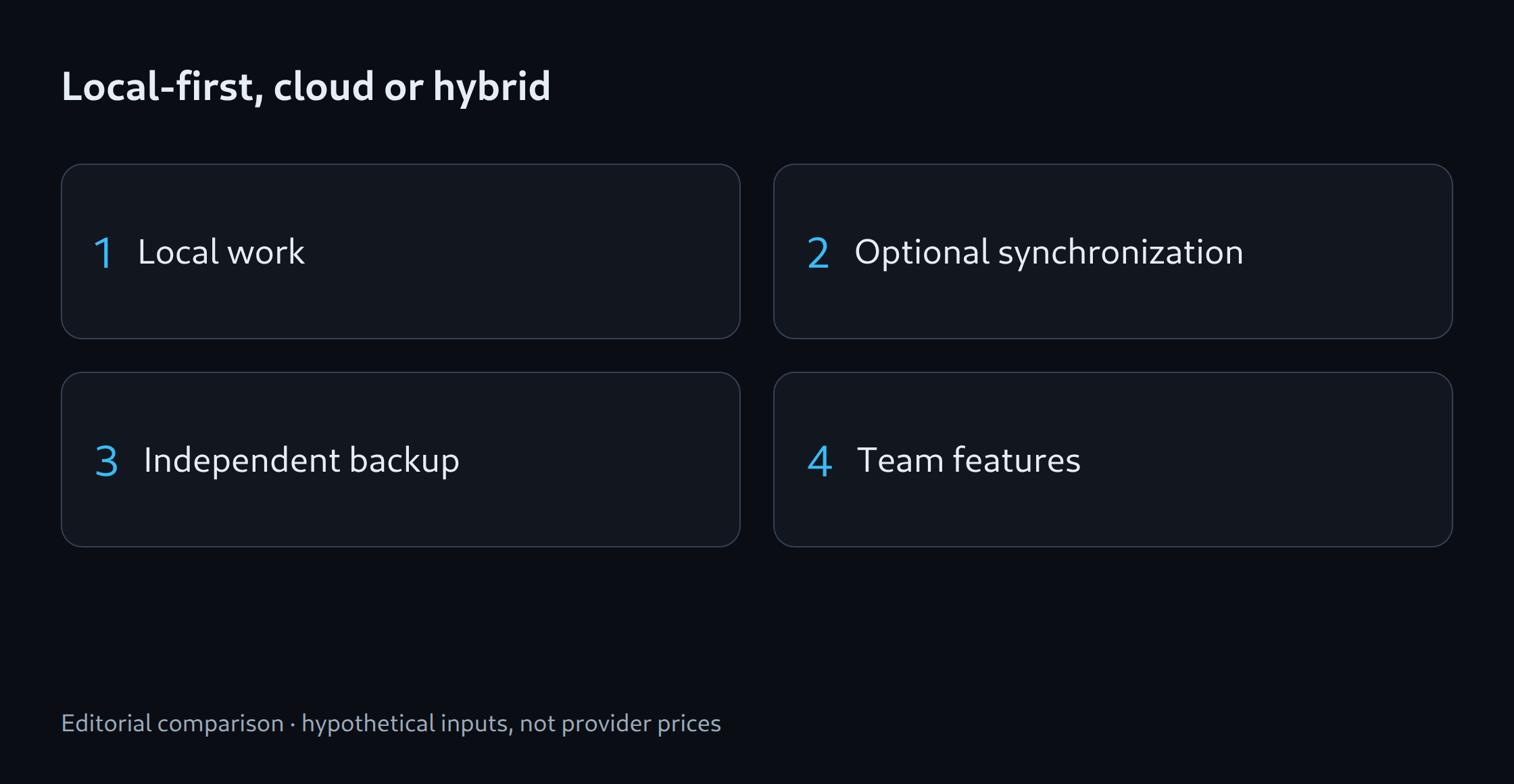
Three ways to edit and store files
Three basic designs provide a useful comparison. A mainly cloud-based application keeps the central working copy on a server. A local tool edits and stores files on the device. A hybrid application combines both, such as local editing with a server for sharing within a team. Cloud applications can also offer some offline features.
Local-first means the local working copy is sufficient for the core work. A cached web page alone does not meet that goal. Ink & Switch describes control over local data and collaboration as compatible aims. [1] The practical test is whether existing documents can be opened, edited and exported without an internet connection.
A concrete example: document cleanup
A CSV cleanup tool provides an example. CSV files store tables as text, with rows and columns. A browser can flag missing required fields, remove extra spaces and save a cleaned table as a file. This processing does not require document storage on a server. A free basic feature can demonstrate that benefit.
A team may need shared validation rules, approval by a second person and a history of earlier versions. Regular use of these features could support a paid offer. Tests with actual prospective customers are still needed to establish demand. Blocking export alone does not demonstrate the value of a subscription.
Local data is not automatically a backup
Browser storage is limited. Limits depend on the browser and the origin of a page, which includes its protocol, hostname and port. Default storage is best-effort: the browser may remove these data when space runs short. Even persistent data can be deleted through browser settings. [2] An easily found file export and a tested import process help protect important work.
A website can request persistent storage with navigator.storage.persist(). The browser can refuse. Approval protects against automatic eviction under storage pressure but creates no second copy. [3] The interface should therefore report separate states: saved locally, backup file created and changes synchronized with the server. A backup file on the same failed drive provides no protection against that drive failure.
Concurrent changes need a clear outcome
Synchronization transfers changes between devices. If two offline devices change the same rule, the application needs a policy: one version wins, a dialog requests a choice or the changes can be merged. Tests must also cover deleted entries and changes that arrive late. Synchronization can spread deletions, so a separate backup retaining earlier versions is still needed.
Encrypted data also require a key to make the contents readable. If a lost key cannot be recovered, existing backup files may remain unreadable. Depending on the encryption design, even the operator may be unable to help. The product needs to explain the available recovery options and which keys or recovery codes require a backup.
Cost comparison with equal capabilities
The following calculation uses hypothetical currency units, not provider prices. With 500 active accounts, a monthly cost of 2 units per account and 200 in fixed costs, the cloud version costs 500 × 2 + 200 = 1,200. In the local version, all 500 accounts also use the optional synchronization service: 500 × 0.20 + 300 = 400. The difference is 800 per month before development and support. Processing power and storage are still needed on the devices, so a smaller server bill does not establish the total cost.
A meaningful comparison assumes the same data volume, storage duration and recovery capability. A small trial can check whether documents remain editable in airplane mode, what happens when storage is low and whether concurrent changes survive. Restoring a backup on a second device tests whether that backup is usable. These results help determine the technical design and the features suitable for a paid offer.
Related tools
Sources
Sources checked: 25 October 2026.
Questions and answers
Does local-first mean every feature works offline?
Not every feature has to work offline. Documents already stored locally may remain editable without internet access, while synchronization with other devices or an external AI service needs a connection. The feature description needs to make that boundary clear.
Does persistent browser storage replace a backup?
No. Persistent storage reduces the risk of automatic deletion when space runs short. An independently stored copy is still needed after device failure or deliberate deletion. A successful recovery test confirms that the copy is usable.
Related articles