

 English
 Deutsch
 Polski
App conversions in GA4: What the attribution update changes

Management Summary
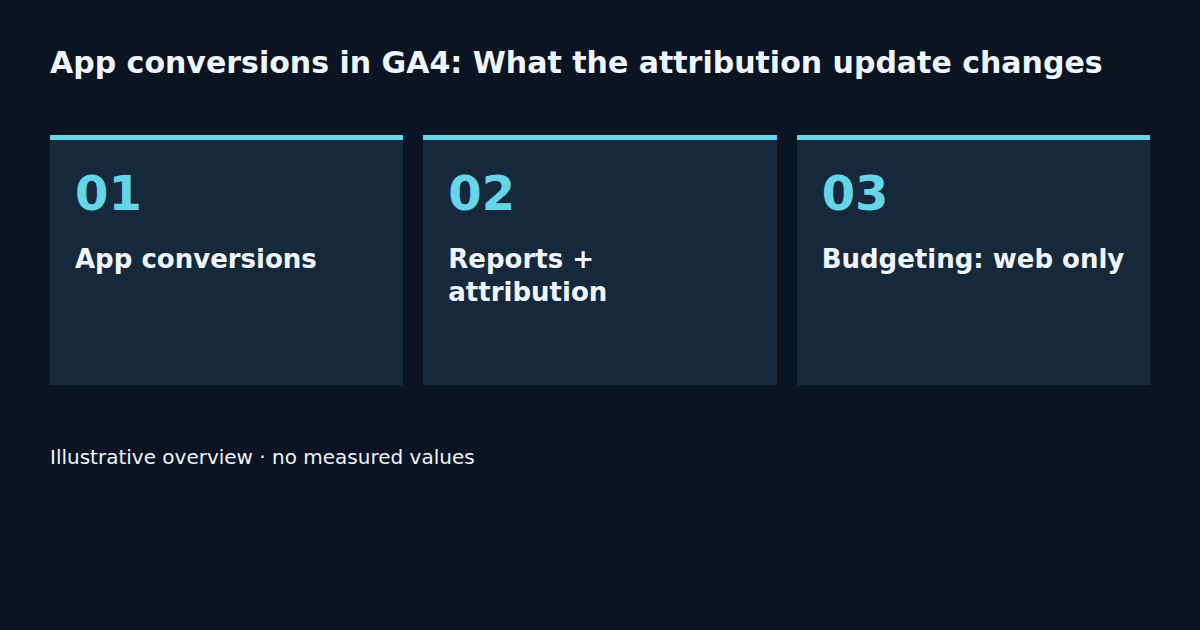
GA4 is extending cross-channel conversion reports to include app outcomes. This helps place important app actions within a shared view of marketing performance. Attribution means assigning credit for an outcome to earlier interactions. In practice, report availability, separate settings and a consistent comparison with previous figures matter most. According to Google's announcement, cross-channel budgeting continues to support web conversions only.
Contents
One outcome, several interactions
An advertisement introduces an app, and a later visit leads to a purchase. Which interaction receives credit? Attribution addresses that question. A new report initially changes the view of recorded outcomes; it does not establish that another purchase occurred.
What arrived on 29 September
Google extended cross-channel reporting and conversion management to app conversions for Google Ads customers. The announcement names performance reports, attribution analysis and attribution models. Attribution settings can also be adjusted independently for app conversions. Availability is not promised for every property, so a missing option first calls for an eligibility check.
Reporting and budgeting remain different
A shared view of web and app outcomes improves analysis. However, Google's stated boundary remains clear: cross-channel budgeting supports web conversions only. An app conversion appearing in a report does not establish support across every planning feature.
A comparison with fixed rules
Before a change, the baseline report should record dates, conversion action, platform and settings. The type of change matters: GA4 documentation states that a reporting attribution model change also affects historical data. A lookback-window change applies only going forward. Reviewing the same historical period therefore helps compare models, but cannot demonstrate the effect of a window change. Comparisons of later periods must also account for demand, campaigns and data freshness.
Reading a change in credit
Consider a purely illustrative case: the total number of outcomes stays constant, while one channel receives more credit and another receives less. Initially, this represents a different allocation. Evidence of additional revenue or more effective advertising requires a separate analysis. A changed total also calls for checking the event definition, counting method and data availability.
A practical starting point
The initial task is an inventory within the property: which app conversion appears in which report, and which settings are actually available? A small, documented comparison follows. The announcement alone does not establish a need for a new tag or an app change. Event collection remains a separate part of the measurement review.
Measurement Summary
Model comparisons use the same dates and conversion action. A window change requires observation of data collected after the change. The record includes settings, change time, availability and data freshness. This article interprets vendor documentation; no authenticated test in a GA4 property with app data was performed.
Questions and answers
Is the feature available in every property?
Google describes expanding availability. Eligibility needs checking in the specific property.
Does cross-channel budgeting now include apps?
According to the announcement, cross-channel budgeting still supports web conversions only.
Does more channel credit mean more sales?
A larger attributed share can result from a different attribution configuration. Additional sales require separate evidence.
Tools and further reading
The window calculator helps compare time ranges. It does not check eligibility for the new app reports.
- Conversion Window and Audience Duration Calculator
- Key Events and Conversions in GA4: What the Two Metrics Actually Mean
- GA4 Conversion Windows: Attribution and Fair Comparisons
Sources
Related articles


