

 English
 Deutsch
 Polski
Matomo: Real-time counters without the Visits Log

Management Summary
Matomo can display current visits and actions as totals while the detailed Visits Log remains disabled. Introduced with version 5.14, this feature suits dashboards that need a quick view of ongoing activity without showing individual journeys. The setting changes the display and access to detailed information. Tracking and retention still need their own configuration, because an aggregated report does not by itself remove the underlying visitor data.
Contents
An overview without individual journeys
After a release, a simple question matters: are visits and actions still arriving? A dashboard does not need to show every individual visit to answer it. Aggregated real-time counters provide an overview while detailed access remains disabled.
What version 5.14 adds
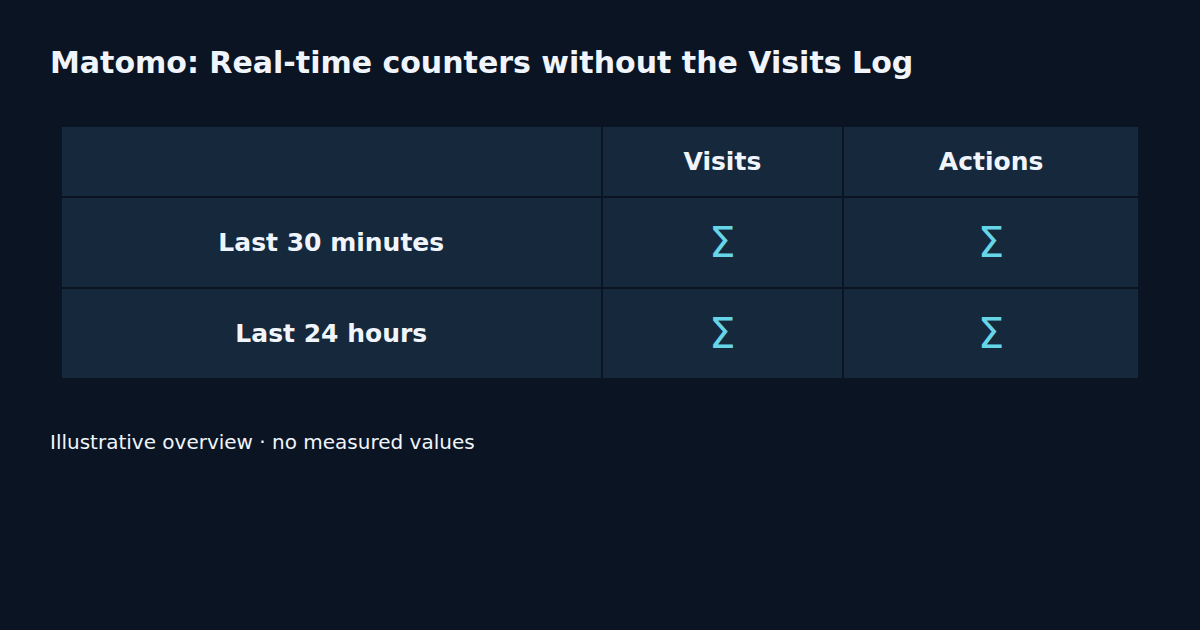
Matomo 5.14.0 was released on 21 September 2026. It adds aggregated real-time counters when the Visits Log is disabled. The display covers visits and actions over the last 30 minutes and 24 hours. Individual visitors, visit details and the sequence of actions within a visit are excluded.
Two configuration steps
The global setting is under Administration, System, General settings, in the Live section. First, the Visits Log and Visitor Profiles are disabled and the change is saved. After refreshing the page, the aggregated real-time option appears. It is disabled by default and needs separate activation. Equivalent settings can also be applied per website. Global changes require Superuser access. A website-specific change requires admin access to that website or Superuser access.
Hiding details does not delete data
Matomo explicitly states that disabling the log does not stop visitor tracking or storage. The setting restricts detailed access through the interface and API. Retention, anonymisation and collection scope remain separate decisions. An aggregated dashboard therefore does not establish anonymous underlying storage.
A small functional check
A useful check starts with a recorded test action and the relevant time window. The review then confirms that totals respond while individual details remain unavailable. For multiple websites, the scope of the setting belongs in the record. A restricted account provides an additional check alongside the administrator view.
Using the figures appropriately
A rolling 30-minute window is not a daily report. Older actions continuously leave the window while new actions arrive. A falling counter does not necessarily indicate a fault. Regular reports are better suited to trends across several days; the real-time totals answer the narrower question about recent activity.
Measurement Summary
Checks cover available time windows, the response to a recorded test action and continued restriction of individual details. Collection and retention require separate evaluation. This guide follows Matomo documentation; no independent Matomo run or measured counter result is claimed.
Questions and answers
Does disabling the Visits Log stop storage?
No. Matomo describes a restriction on detailed access. Tracking and retention need separate configuration.
Why is the option initially missing?
The documented sequence is to disable the Visits Log and Visitor Profiles, save and refresh. The aggregated option then needs separate activation.
Does the 24-hour counter represent a calendar day?
The display covers the last 24 hours. A rolling window differs from a fixed calendar day.
Tools and further reading
The Matomo builder helps prepare tracking requests. Aggregated reporting is configured in Matomo administration.
- Matomo Tracking API & Custom Dimension Builder
- Matomo Tracking API: Server-Side Hits, Mandatory Parameters and the Mistakes That Still Return 200
- Matomo vs. GA4 in Enterprise Environments: When to Choose Self-Hosted Analytics?
Sources
Related articles


