English
 Deutsch
 Polski
Intel Arc for Local LLMs: B580, Pro B50, B60, B65 and B70 versus NVIDIA

Management Summary
Intel Arc graphics cards can support language models, AI systems for text and answers, on a personal computer. The article considers these cards as an alternative to NVIDIA. Their usefulness depends on more than memory and price: the chosen software must also work with the particular card and operating system. Understanding this helps avoid buying on one attractive specification alone. The intended workload still needs a practical trial to establish whether a card is a good fit.
Contents
Intel Arc can run large language models on a local computer. Enough graphics memory is only one requirement: the application must also support the specific card, operating system and driver together. A low price per gigabyte does not establish that support.
This comparison checks manufacturer specifications and documented software support. No original measurements of speed, power consumption or answer quality against NVIDIA are available. The information therefore does not establish a performance winner.
Five cards, four memory capacities
| Intel GPU | Official memory | Priority check |
|---|---|---|
| Arc B580 | 12 GB | Check driver and model startup |
| Arc Pro B50 | 16 GB | Check the specific card dimensions and connectors |
| Arc Pro B60 | 24 GB | Check memory at the intended input length |
| Arc Pro B65 | 32 GB | Check partner card and application version |
| Arc Pro B70 | 32 GB | Measure speed with the same task |
B65 and B70 both have 32 GB but differ in computing units: Intel lists 20 Xe cores for B65 and 32 for B70. That does not imply a fixed language-model speed ratio. Selection requires two separate answers: does the task fit in memory, and how fast does the specific application run?
Software that can use the card
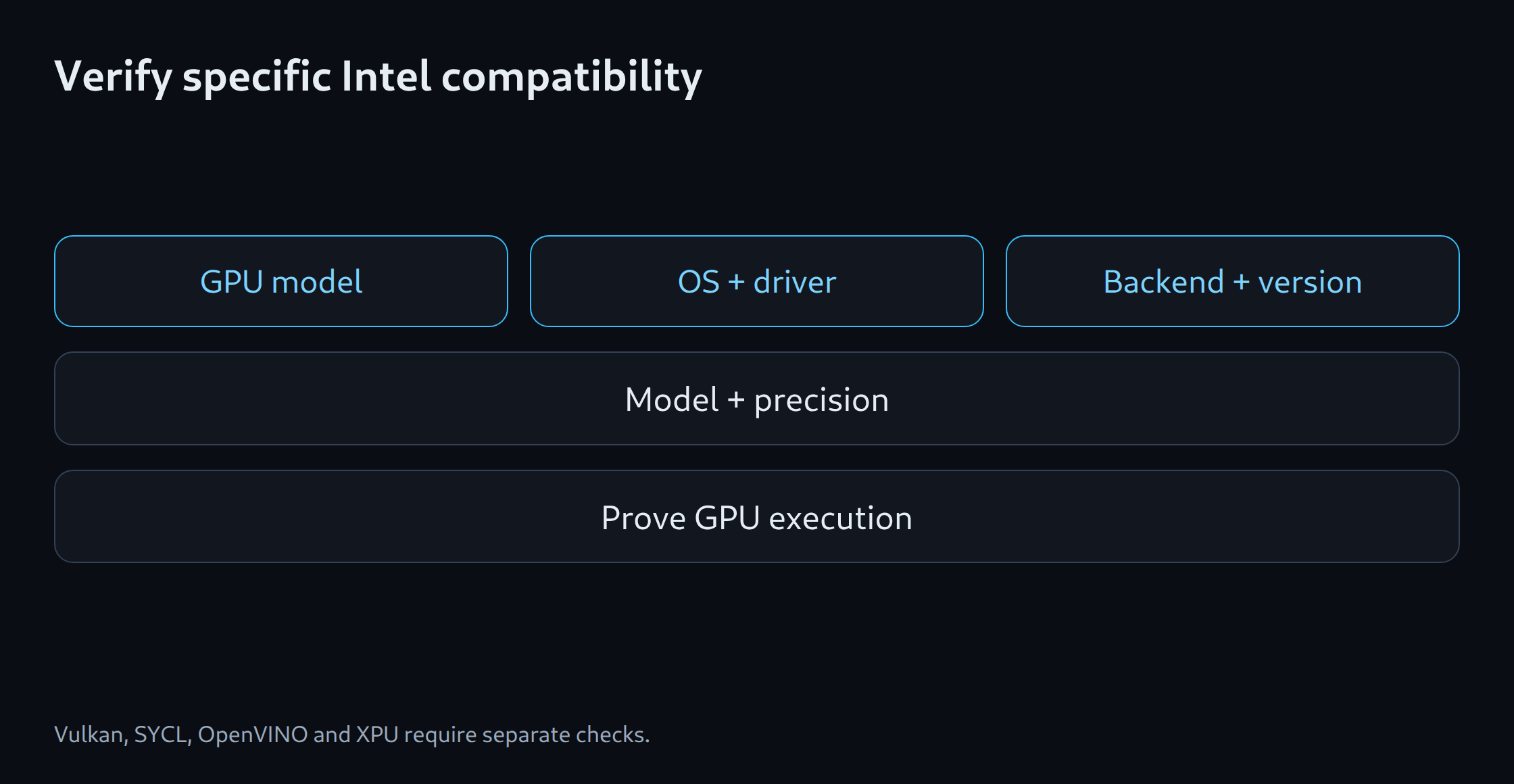
A backend is the part of an application that sends calculations to hardware. llama.cpp offers Vulkan and SYCL among other options; its SYCL documentation explicitly lists B580 among verified devices. Ollama documents Vulkan on Windows and Linux. OpenVINO GenAI provides a separate way to run models, while vLLM offers an Intel XPU path. None of these statements automatically validates all five cards with every model.
A reproducible test records the card, driver, operating system, application version and exact model file. The numerical format of model values also matters. Quantisation stores those values at lower precision, often saving memory while potentially changing output. Some programs need a converted model file. Successful installation is consequently only a starting point.
Drivers and device access
Windows and Linux may require different packages, drivers and permissions. A desktop interface may simplify operation, but does not establish support for a card. With containers, the GPU must also be accessible inside the container. CUDA instructions normally describe the NVIDIA path and cannot be transferred unchanged to Intel.
Startup logs should identify the selected device and model parts loaded onto the GPU. Allocated graphics memory and GPU activity provide further clues, but neither alone proves complete GPU execution. Some programs run part of a model on the CPU; that may be intentional or explain an unexpectedly slow run. A small task with a known result can reveal obvious errors without replacing a complete quality assessment.
A fair NVIDIA comparison
A 24 GB Arc Pro B60 can be compared with a 24 GB NVIDIA card for memory capacity. A purchase also depends on current offers, power supply, case, cooling and setup time. This article provides no verified market prices. Equal memory does not mean equal speed or software support.
A useful speed test uses the same tasks and model version. Input length, maximum output length, concurrent requests and quantisation are recorded. Time to the first response fragment is measured separately from subsequent generation. Tokens are pieces of text; tokens per second make sense only with comparable tasks and counting methods. Errors and answer quality also belong in the result.
When Intel fits the shortlist
Intel is an option when a documented test confirms the required task on the specific card and total costs fit. Additional time spent compiling, meaning building an executable program from source, or converting models can outweigh a lower purchase price. Without such a test, the combination remains unverified.
The memory calculator provides an estimate, not proof that a model runs. Long inputs, cached calculations and concurrent requests need memory beyond the model values. A model file can therefore be smaller than the graphics memory and still fail to fit completely at startup. Sufficient VRAM, the memory on a graphics card, also does not guarantee compatible software.
Memory planning for model selection: LLM VRAM estimator.
Related tools
Questions and answers
Do CUDA applications run unchanged on Intel Arc?
CUDA is not a native Intel Arc backend. A supported path such as Vulkan, SYCL, OpenVINO or XPU is required by the specific software.
Is a generic Intel GPU support claim enough for a purchase decision?
A general support statement does not cover every GPU, model architecture or quantisation. The actual GPU, driver, operating system and application version matter. A documented test of that exact combination shows more than a general support label.
Sources
- Intel: Arc B580 12 GB / B570 10 GB
- Intel: Arc Pro B50 16 GB
- Intel: Arc Pro B60 and B50
- Intel: Arc Pro B65 / B70 launch
- Intel: Arc Pro B70 – datasheet, 32 GB
- Ollama: Hardware support
- llama.cpp: project and backends
- vLLM: GPU installation
- OpenVINO: Generative AI workflow
- Intel: Arc Pro B65 32 GB – datasheet
- Intel: Arc Pro B60 24 GB
Sources checked: 25 October 2026.
llama.cpp: SYCL (25.10.2026).
Related articles